
I just received an email with the subject line “Confidential Information” in my inbox.
The attachment was a form which requested a long list of information including:
- Billing Address
- Social Security Number
- Mother’s Maiden Name
- Drivers License
- Social Security Number
- Phone Number
- Credit Card Number with Signature Panel Code and Expiration, plus PIN
- Bank Name
- Filing Status here.
At the bottom of the form is the warning: “Deliberate wrong inputs are criminally pursued and indicted.”
So, a few things…
- The IRS will never contact you by email regarding a tax matter unless you contact them first.
- The IRS would never ask for your credit card and other personally identifying information via email.
- The “from” address is clearly a fake: <irs@irs.agencygovernment.gov></irs@irs.agencygovernment.gov>
- The grammar and capitalization in the email and on the form are poor, which leads me to believe that it’s along the lines of the Nigerian email and fax scams (you know, where the first language is clearly not English). Even the IRS doesn’t make that many mistakes!
So yes, it’s a scam. These folks are just trying to get you to hand over your personally-identifying information. Don’t fall for it!





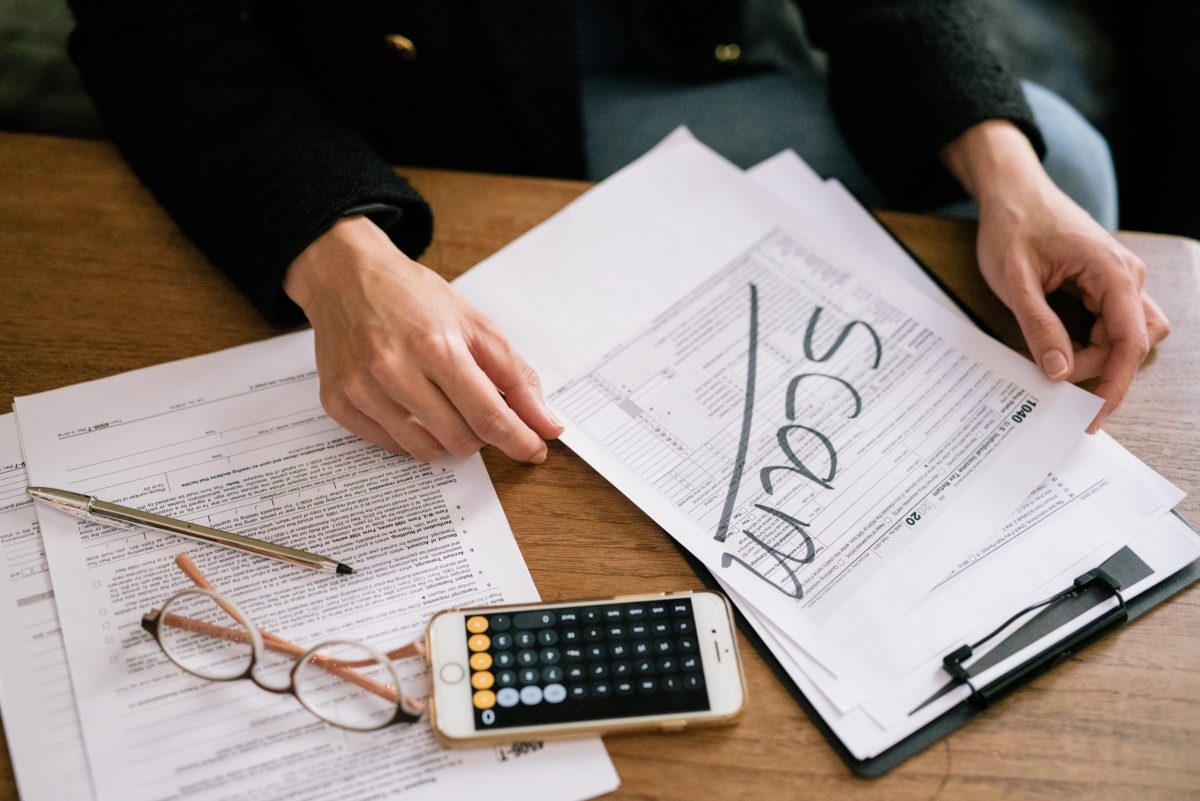

You can always tell that something is false when it is signed “regards” – the IRS doesn’t send regards and it never uses email.
Nice tips!
Also, you can inspect where the link is leading to. The link text can appear legit, but once you leave the mouse over the link, you should see the actual link at the bottom of the browser window. And you’ll see that it doesn’t really link to the bank’s page. Some would try to disguise this link, but some don’t even do that.
If you are ever at the actual form, also note that your browser should display a lock symbol (as part of the browser, not on the web page). The fake pages aren’t secure websites and the browser will not display the lock. I’ve also typed in fake info before, just to see how the page would respond. (Yeah, I am a computer programmer and I am naturally curious about how these things are structured.) They usually lead you to the real bank site, so you don’t suspect anything. Quite clever, but entirely possible to detect.
But it all comes down to: don’t give out your information online easily!